



























.svg)
.svg)
.svg)
Do You Need Hybrid Proxies for Multi-Account Management?
Your accounts keep getting linked despite residential proxies. The problem usually isn't the IP type. Here's what's actually causing it, and when hybrid genuinely fixes it.
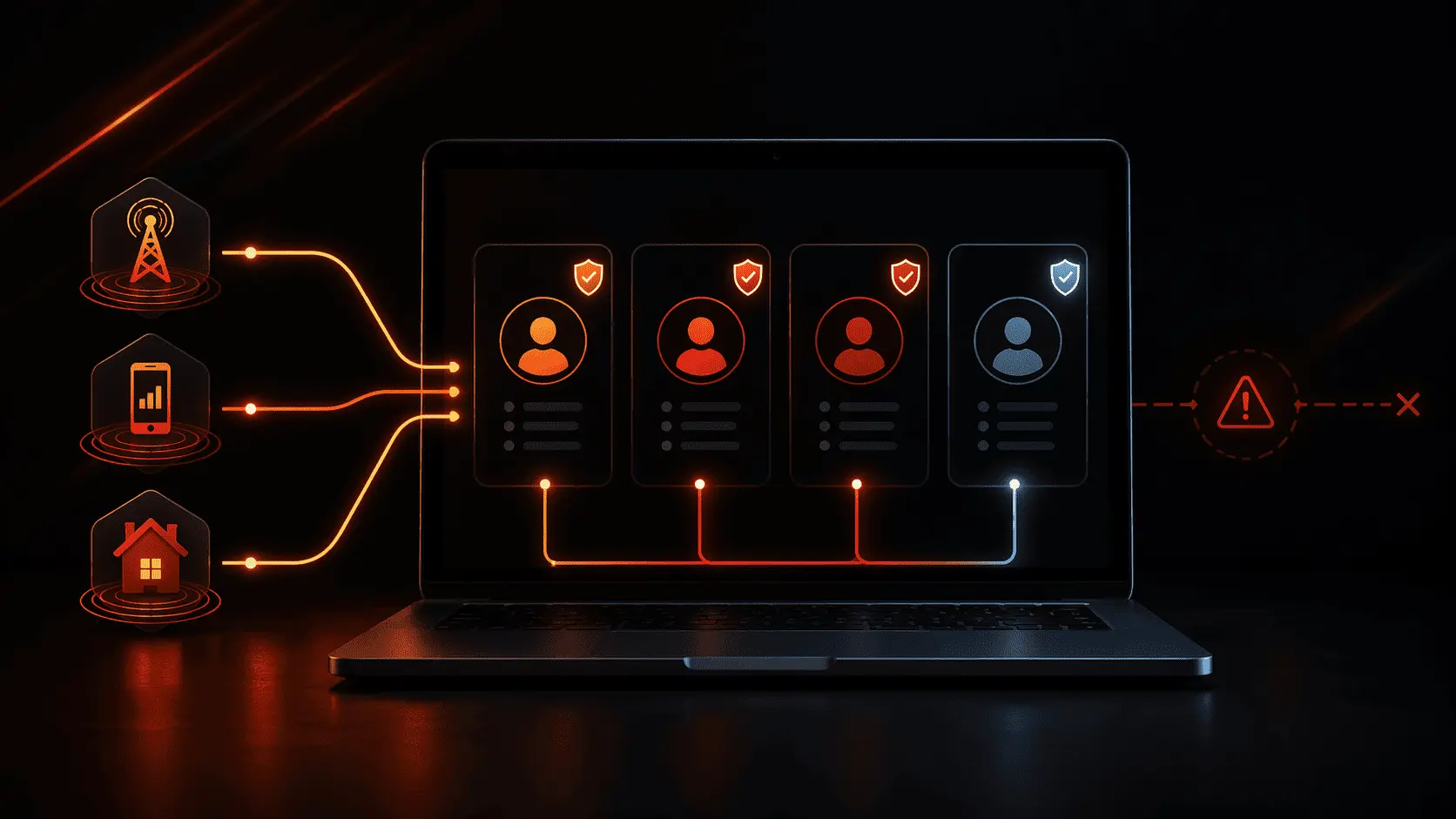
Most multi-account bans aren't caused by a bad IP. They're caused by patterns: IP reuse across accounts, subnet clustering, and session timing that looks machine-generated. Getting the proxy type right matters, but it's not the whole answer.
- Account linking happens at the pattern level, not the individual IP level. Your proxy pool's reuse behavior matters as much as the IP type.
- Standard residential with sticky sessions handles most setups fine: social media agencies, general e-commerce, research workflows with under 20 accounts per target.
- Hybrid earns its place on high-protection targets: Nike, Supreme, Footsites, Popmart, and similar retail platforms where standard residential fails consistently.
- ISP static is the right call for established accounts that need a consistent "home" IP. Rotating anything into a long-running account is asking for a flag.
- TorchProxies Plan X ($5/GB) combines ISP, residential, and mobile sources into pre-configured pools for Nike US/EU, Supreme US/EU/JP, Footsites, and Popmart. That pre-configuration is what most guides skip.
- You don't need hybrid for low-protection targets. Standard residential at $4/GB covers the majority of multi-account use cases without paying more.
Three weeks of account warming. Separate antidetect browser profiles. Residential proxies on every account. Then one morning, three of your Nike accounts get flagged simultaneously.
You didn't share a browser. You checked the IPs separately and they all looked clean. But the accounts still got linked, and now you're starting over.
This is the specific failure mode that separates people who buy "residential proxies" from people who understand what actually causes account correlation. The real question is not whether to use hybrid proxies. The real question is why the accounts got linked in the first place . Whether a different proxy type would have changed that outcome.
What's Actually Linking Your Accounts in 2026?
Most guides stop at "use different IPs for each account." That's correct, but it's not enough. Platforms like Nike, LinkedIn, and Amazon have moved well past simple IP matching. Their detection systems look for patterns, not individual data points.
IP Reuse in Rotating Residential Pools
Here's the one most people miss. A rotating residential pool contains a finite number of IPs, and they get reused. When your proxy rotates IP 203.0.113.47 into Account A's session on Tuesday, and then back into Account B's session on Thursday, that's a data point. A single reuse doesn't trigger anything. But if the same pool reuses IPs across your accounts consistently, platforms build a correlation map. The accounts share an "IP neighborhood" . That neighborhood becomes a linkage signal.
This is distinct from sharing an IP simultaneously. Platforms track historical IP patterns across time, not just real-time overlap.
Subnet Clustering
Not all "residential" IPs are equally distributed. Some proxy providers source heavily from particular ISP ranges, which means a large chunk of their pool sits in the same /24 IP block. When you create six accounts in a week and each one comes from a different IP in the 198.51.100.x range, that cluster is visible. Individual IPs look clean. The subnet does not.
RTT Anomalies Catching "Residential" Datacenter IPs
This is a technical one worth knowing. Some residential proxy providers route traffic through datacenter infrastructure before exiting through a residential IP. The round-trip time (RTT) from a genuine residential connection to a backbone router is typically 10-30ms. From a datacenter-hosted node, it's 1-5ms. That gap is measurable and consistently flags residential proxies that aren't "clean" in the technical sense , even if the IP itself shows as residential on standard checks.
Platforms with serious anti-fraud investment use RTT analysis alongside IP reputation. A residential IP with a datacenter RTT profile is not the same as a residential IP from an actual home connection. That distinction matters more than most guides acknowledge.
Session Timing Patterns
Two accounts logging in 3 minutes apart is a pattern. Twenty accounts that all complete their account-warming tasks in the same 90-minute window is a very strong pattern. In practice, what this means is: proxy type solves the IP layer. Session timing solves the behavioral layer. Neither is a substitute for the other.
What Does "Hybrid Proxy" Actually Mean?
The term gets used loosely. Worth being precise about what it means in the context of multi-account management.
The key word is pre-configured. Anyone can buy ISP proxies and residential proxies separately and point them at the same target. That's not hybrid. Hybrid means the pool's routing logic already knows what Nike's detection layer responds to. It knows which IP source types clear the queue system on Supreme drops. It knows which combination of ISP and residential IPs has the lowest ban history on Footsites.
This is why "just use residential" advice misses the point for protected targets. It's not about the IP type in isolation. It's about the right IP type for the specific detection layer you're facing.
The Three IP Sources in a Hybrid Pool and What Each Does
| IP Source | What It Contributes | Multi-Account Role | Limitation |
|---|---|---|---|
| ISP Residential | Stable, lower fraud scores, consistent session identity | Maintaining established accounts with consistent login patterns | Fixed ASN range, less geo diversity |
| P2P Residential | High geo diversity, genuine home connection RTT, harder to cluster | Creating new accounts, initial warming, broad geo coverage | Variable IP quality, possible reuse in smaller pools |
| Mobile Carrier | CGNAT makes account linking at the IP level effectively impossible for platforms | Highest-trust operations on ban-sensitive platforms | More expensive per GB, variable latency |
In practice, what this means is: a hybrid pool lets the routing layer pick the right IP source for the right action without you having to manage three separate proxy products. That operational simplicity is underrated when you're running accounts at scale.
The Three Multi-Account Scenarios and What Each Actually Needs
Honestly, I would not overthink this. Most multi-account use cases fall into one of three categories, and the proxy recommendation for each is pretty clear.
Managing 5-30 accounts on Instagram, LinkedIn, Facebook, or X/Twitter for clients or brand building. Platforms are detection-aware but not at the level of sneaker retail.
Running multiple Amazon, eBay, or Etsy seller accounts that need long-term stability. The key is consistent IP identity per account, not IP diversity.
Nike, Supreme, Footsites, Popmart. Detection logic is significantly more aggressive. Pre-configured pools built for these targets specifically.
Scenario 1: Social Media and Agency Multi-Account Work
Standard residential with sticky sessions handles this well. Instagram, LinkedIn, and Facebook do use IP reputation checks. Their primary detection mechanism is behavioral, not IP-based. Account age, posting cadence, interaction patterns, and device fingerprint consistency matter more than whether you're on ISP residential versus P2P residential.
The thing to get right here is sticky sessions that hold long enough. A 1-hour sticky session is often too short if you're doing anything resembling normal account use. Aim for at least 6-hour sessions if your provider supports it. Account A logging into LinkedIn from IP X at 9am and then IP Y at 2pm is exactly the pattern that gets accounts flagged , not the IP type itself.
For agencies managing 10+ client accounts: one dedicated sticky IP per account, consistent geo matching the account registration country, and avoid same-day activity across all accounts simultaneously. That last one is behavioral. No proxy type fixes it.
Scenario 2: E-Commerce Marketplace Sellers
This is where ISP static proxies are actually the right answer, and rotating residential is the wrong one. Marketplaces like Amazon track login IP consistency as a trust signal. An account that has logged in from the same IP for 6 months looks like a real seller. An account that logs in from a different IP every session looks like something automated, even if each IP is technically "residential."
Think of ISP static as giving each account a home address instead of a hotel room. The account always "lives" at the same IP. That consistency is what these platforms reward.
TorchProxies ISP Static at $2.30/IP/month covers US, UK, Canada, Germany, Netherlands, Italy, France, Australia, and Hong Kong. For Amazon's core markets, that covers most practical setups without needing a separate residential product.
Scenario 3: Sneaker and Retail Drops
This is where hybrid genuinely earns its place. Nike, Supreme, Footsites, and Popmart run some of the most aggressive bot detection in any consumer category. Standard residential proxies fail on these targets because the targets actively maintain ban databases tied to IP ranges, proxy ASNs, and historical behavior patterns.
You need IPs that have no ban history on the specific platform. Pre-configured pools remove the guesswork. Instead of hoping your residential IPs are clean on Nike, you're pulling from a pool that's been actively maintained for Nike traffic specifically.
The pool diversity also matters here in a specific way. During a drop, thousands of bot operators are hitting the same target simultaneously. Operators using the same proxy provider's standard residential pool are pulling from overlapping IP ranges. A pre-configured pool for that target has been built to minimize this overlap. You're not competing with other users of the same pool for the same Nike-safe IPs.
Platform-by-Platform: Which Proxy Type in 2026?
| Platform | Detection Aggressiveness | Recommended Proxy | Key Factor | Torchproxies Option |
|---|---|---|---|---|
| Nike SNKRS (US/EU) | Very High | Hybrid: Plan X | Per-drop IP quality and pool pre-configuration | Plan X: Nike Pool (US, EU) |
| Supreme | Very High | Hybrid: Plan X | Region-specific pools (US, EU, JP) | Plan X: Supreme Pool |
| Footsites (Footlocker, Champs) | Very High | Hybrid: Plan X | US, CA, EU, AU pool configs | Plan X: Footsites Pool |
| Popmart | High | Hybrid: Plan X | Global pool (US, CA, EU, AU, SG, MY, JP) | Plan X: Popmart Pool |
| Amazon Seller | High | ISP Static | Consistent login identity per account | ISP Static: $2.30/IP/mo |
| Medium-High | Residential (Premium/Sticky) | Geo match to account registration country | Premium Residential: $4.50/GB | |
| Instagram / Facebook | Medium-High | Residential (Sticky) | 6+ hour session stability, mobile IPs for TikTok | Standard Residential: $4/GB |
| Google Ads (Multi-Account) | Medium-High | Premium Residential | Clean IP reputation, 90M+ pool diversity | Premium Residential: $4.50/GB |
| eBay / Etsy Sellers | Medium | ISP Static or Residential Sticky | Consistent identity over time | ISP Static or Standard Residential |
| Reddit / Forums | Lower | Standard Residential | Avoid IP reuse across accounts; timing gaps matter | Standard Residential: $4/GB |
A note on TikTok: I've deliberately left it off this table. TikTok's device-binding detection layer in 2026 is different enough from IP-based detection that the proxy type question is secondary to the antidetect browser setup. I'll cover TikTok multi-account specifically in a separate guide because it deserves proper treatment.
When You Don't Need Hybrid Proxies
This section exists because most proxy content is designed to push you toward the highest-tier product regardless of your actual use case. So here's the honest version.
You don't need hybrid if your targets are not on the high-protection list. Managing 10 LinkedIn accounts for a B2B agency? Standard residential with sticky sessions is fine. Running research across multiple Reddit accounts? Standard residential covers it completely. Managing a few Amazon seller accounts with consistent logins? ISP static is the better fit. It's actually cheaper than hybrid at $2.30/IP/month versus $5/GB.
Hybrid proxies earn their cost when you're operating on targets that actively maintain ban lists and have custom detection logic for proxy traffic. If your target isn't Nike, Supreme, Footsites, or a platform with equivalent anti-bot investment, you're paying for pre-configuration you won't use.
The specific failure mode to avoid: buying Plan X because it sounds like the strongest option, then using it for general social media work where Standard Residential at $4/GB produces identical results. That's a 25% cost premium for no practical benefit.
TorchProxies Plan X for Multi-Account Management in 2026
Plan X is $5/GB, and the 120M+ IP pool combines ISP, mobile, and residential sources. Here's what specifically matters for multi-account work.
Pre-Configured Retail Pools
This is the differentiator most comparisons miss. Most proxy providers give you a large residential pool and tell you to figure out the configuration. Plan X has pre-built pool selections for specific targets, selectable directly from the dashboard:
- Footsites: US, CA, EU (UK/Germany/France), AU, SG, MY
- Nike: US, EU, MY
- Supreme: US, EU, JP
- Popmart: US, CA, EU, AU, SG, MY, JP
- Yeezy Supply: US
Selecting the Nike US pool means you're pulling from IPs specifically curated for Nike's US detection layer, not from the general residential pool. That curation is the entire point. A general residential IP that works fine for LinkedIn scraping may have a ban history on Nike from a previous user's activity. The pre-configured pools are actively maintained to minimize that problem.
Protocol Flexibility From the Dashboard
For multi-account workflows with antidetect browsers, you'll typically want SOCKS5 to avoid HTTP header injection risks. Plan X and ISP Static both support HTTP, HTTPS, and SOCKS5. On ISP Static specifically, you can switch between SOCKS5 and HTTPS authentication directly from the dashboard without regenerating credentials. For teams running mixed workflows (some accounts on HTTPS, some on SOCKS5), that toggle matters operationally.
IP Whitelisting for Team Setups
Beyond username/password authentication, TorchProxies supports IP whitelisting. For multi-account operations running on a fixed server or VPS, whitelisting the server's IP removes the credential layer entirely. This simplifies antidetect browser configuration: no credentials to paste per profile, just proxy endpoint and port. For teams where multiple people manage browser profiles, it also reduces credential sharing risks.
One thing I should say plainly: TorchProxies doesn't have a browser extension or VPN-style app. Setup requires manual configuration inside your antidetect browser. It takes about two minutes per profile once you know where the proxy fields are . It's not a one-click install. If you're expecting that, it's worth knowing upfront.
Decision Framework: Which Proxy for Your Multi-Account Setup?
You have two options here: answer three questions about your setup, or skip to the summary table below.
Question 1: Is your target on the high-protection list? Nike, Supreme, Footsites, Popmart, Yeezy Supply, or any platform that sells out in under 5 minutes and has bot queue logic. If yes, Plan X. Full stop.
Question 2: Do your accounts need to stay logged in for weeks or months with a consistent IP? Amazon seller accounts, marketplace storefronts, long-running social accounts with posting history. If yes, ISP Static at $2.30/IP/month. It's cheaper than Plan X and more appropriate for the use case.
Question 3: Everything else? Standard Residential at $4/GB with sticky sessions configured for your session length. If you're hitting issues, upgrade to Premium Residential ($4.50/GB) for the larger pool and cleaner IP reputation. That covers 80% of multi-account use cases without paying for pre-configuration you won't use.