



























.svg)
.svg)
.svg)
How to Manage Multiple TikTok Accounts Without Getting Banned
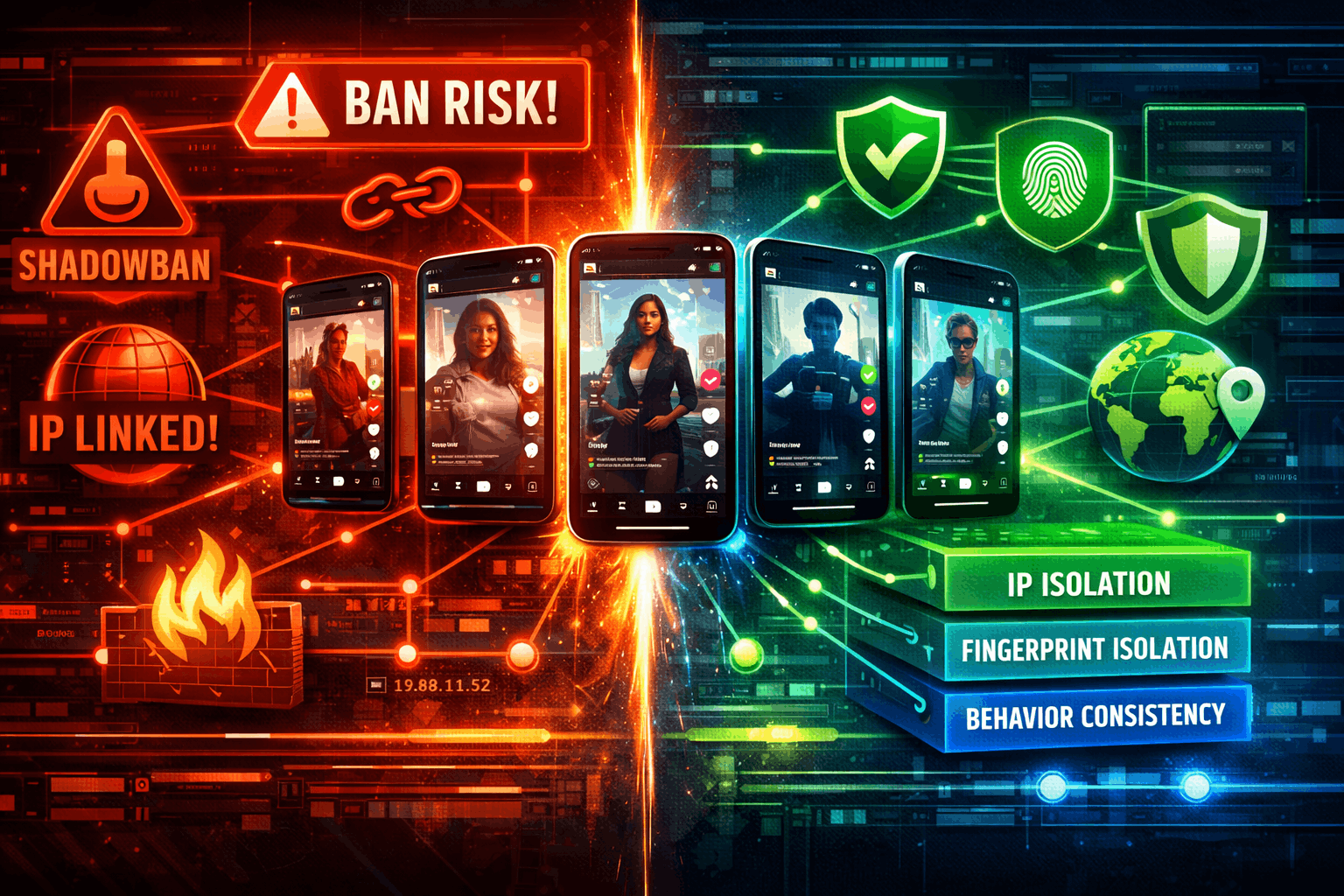
Managing multiple TikTok accounts without bans comes down to one principle: each account must look like a completely separate person on a completely separate device from a completely separate network.
- TikTok evaluates three signals independently: IP address, device fingerprint, and behavioural patterns. Solving two out of three is not enough.
- ISP static proxies from named carriers (AT&T, Spectrum, Frontier) carry the highest trust scores. They match what TikTok expects from real US users.
- A hybrid proxy combines residential IPs and ISP static IPs in one pool. No competitor explains this concept, but it is the optimal setup for mixed multi-account workloads.
- Account warming (7 to 14 days) before posting is the step most teams skip. New accounts that immediately post at volume get flagged.
- The full 3-layer stack: proxy isolation per account + antidetect browser per account + consistent behavioural patterns. All three required.
How to manage multiple TikTok accounts without triggering bans is a question every agency and content team eventually faces. TikTok has 1.59 billion monthly active users globally as of 2025 (DataReportal/Statista), and the platform's detection system has become significantly more aggressive. This guide covers how TikTok's detection actually works, the 3-layer protection stack, and the proxy setup for everything from 3 accounts to 100+. Let's get into it.
Does TikTok Allow Multiple Accounts?
Yes, with important limits. TikTok officially supports up to 3 accounts per device through its built-in account switcher. The app allows up to 6 accounts in some regions, but most users encounter problems past 3 on a shared home IP. Each account needs to be registered with a unique email address or phone number.
For agencies, TikTok Business Center is the official tool for managing client accounts at scale. It allows role assignment, team access, and permission management without sharing passwords. This is the right starting point for any legitimate agency operation. Then proxy isolation handles what Business Center cannot: keeping IP environments completely separate across accounts.
Sources: DemandSage/DataReportal 2025, eMarketer/Insider Intelligence 2025.
But here is where it gets interesting. The reason you need more than just the built-in switcher is that TikTok links accounts to IP addresses. Multiple accounts sharing the same IP look like the same person to TikTok's system. And TikTok's evaluation of that pattern is not a warning. It is a flag for coordinated inauthentic behaviour.
How TikTok Detects Linked Accounts
This is the part most guides skim over. Understanding exactly how the detection works tells you which layers of your setup to focus on and, more importantly, which shortcuts will burn you.
TikTok's detection system evaluates three independent signals. You need to solve all three. Solving two out of three is not enough.
Signal 1: IP Address and ASN
TikTok records the IP address used for every login, session, and content interaction. If two accounts log in from the same IP, or from IP addresses in the same range (same ASN or subnet), TikTok flags them as potentially linked. Residential and ISP IPs from real carriers carry significantly higher trust scores than datacenter ranges. Source: Nstbrowser and AdsPower research, confirmed across multiple competitive analyses.
Signal 2: Device Fingerprint
TikTok captures 100+ device fingerprint parameters including screen resolution, GPU renderer, Canvas fingerprint, WebGL hash, installed fonts, audio context, battery status, and timezone. Source: IPFLY/Undetectable joint analysis, January 2026. If two accounts share the same fingerprint, they are immediately linkable regardless of different IPs.
Signal 3: Behavioural Patterns
TikTok's machine learning models analyse session patterns including scroll speed, tap intervals, content consumption sequences, and posting schedules. Accounts that move identically across sessions, even with different IPs and different fingerprints, will be flagged. This is the hardest signal to fake because it requires genuine variety in how each account is operated.
What Is a Hybrid Proxy? (And Why It Matters for TikTok)
Most guides recommend either "residential proxies" or "ISP proxies" for TikTok. Neither category on its own is optimal for multi-account operations at scale. Here is where it gets interesting: a hybrid proxy combines both, and nobody else seems to explain what that actually means.
Why this specifically matters for TikTok multi-account management:
- Residential IPs are plentiful but can rotate frequently, and some addresses carry prior use histories on TikTok from other users
- Pure ISP static IPs are stable and highly trusted, but they cost more per IP, making them less practical for large account sets
- A hybrid pool gives you trusted ISP IPs for core account sessions and residential IPs for less sensitive rotation tasks, all without managing two separate proxy subscriptions
The trust hierarchy for TikTok IPs, ranked from highest to lowest: Mobile 4G/5G (most real TikTok users are on mobile data) > ISP Static from named carriers (AT&T, Spectrum, Frontier) > Residential rotating > Datacenter (highest risk, avoid entirely). This hierarchy is consistent across Nstbrowser, AdsPower, and GoProxy research.
The 3-Layer Protection Stack
Three layers. Each one addresses a different detection vector. All three are required. Skip one and TikTok's system will eventually find the gap.
Layer 1: IP Isolation (Proxy)
One IP per account, or one IP per small group of closely related accounts. No overlap, no shared ranges.
- For core, long-lived accounts: ISP static proxies with sticky sessions. The same IP for every session builds a consistent usage history that TikTok's models interpret as normal user behaviour.
- For expanding account sets across geographies: A hybrid proxy pool with access to residential and ISP IPs across multiple countries, so you can assign location-appropriate IPs without managing separate country-specific plans.
- Never use rotating proxies for active account management. IP rotation on every request or session looks nothing like how a real user logs into TikTok. Rotation is for scraping, not for account sessions.
Layer 2: Fingerprint Isolation (Antidetect Browser)
An antidetect browser creates a separate, isolated browser environment for each account with a unique device fingerprint. Each environment gets its own Canvas ID, WebGL signature, screen resolution, font list, and audio context. Commonly used tools include Multilogin, GoLogin, AdsPower, and Dolphin Anty.
Layer 3: Behavioural Consistency
Each account needs a realistic, consistent usage pattern. This is not something you can automate away. It is about discipline in how you operate each profile.
- Consistent posting schedule per account
- Varied content types across accounts (TikTok flags identical upload patterns)
- Natural engagement intervals. Do not like, comment, and follow in rapid machine-speed bursts
- Account warming before posting (covered in the next section)
Account Warming: The Phase Most Teams Skip
A new TikTok account that immediately starts posting content at volume is a red flag. Real users do not behave that way. Account warming means spending the first 7 to 14 days of an account's life consuming content naturally before posting anything. This builds a session history that TikTok's behavioural models treat as authentic.
Warming Phase Proxy Requirements
This is where the proxy choice matters most. A new account being warmed needs a stable, consistent IP for every session during the entire warming period. This is not the time for rotating residential. Use an ISP static proxy or a dedicated sticky session so every TikTok login comes from exactly the same IP address.
What Warming Looks Like in Practice
Days 1 to 3: Log in daily, scroll the For You page for 15 to 20 minutes, follow 5 to 10 accounts in your target niche.
Days 4 to 7: Begin liking content, leaving genuine comments, watching full videos to signal content preference to TikTok's recommendation algorithm.
Days 8 to 14: Start uploading short, low-stakes content before ramping up to your main strategy.
Honestly, I would not overthink the content during the warming phase. The goal is session history and engagement signals, not virality. A warm account with 14 days of natural behaviour is worth more than a fresh account with a viral video that gets the entire profile flagged.
Common Mistakes That Get Accounts Linked
Which Proxy Plan for Which Use Case
| Situation | Recommended Plan | Why |
|---|---|---|
| US-focused agency, 10 to 100+ accounts | Premium Social Proxies (US, DE and UK) | Dedicated IPs from a 256-IP subnet, from US carriers (AT&T, Spectrum, Frontier), unlimited bandwidth. Maximum trust, zero IP sharing. |
| Multi-geography creator or agency | Plan X Hybrid ($5/GB) | 120M+ residential+ISP pool, 195+ countries, no rate limits. One plan for all markets. |
| Getting started, under 10 accounts | Standard Residential ($4/GB) | Cost-effective entry point. 30M+ IPs with sticky sessions available for account management. |
| High-volume sustained pipeline | Premium Residential ($4.50/GB) | 90M+ IPs, cleaner pool, higher trust scores on protected platforms like TikTok. |
Honest limitation: TorchProxies requires manual configuration in your antidetect browser or automation tool. There is no browser extension or dedicated app. You copy the proxy credentials from the dashboard into your browser profile settings. Most antidetect browsers (Multilogin, GoLogin, AdsPower) support direct proxy entry per profile. That is the correct integration point.
The Bottom Line
Yes, you can run multiple TikTok accounts safely. Agencies and content studios do it at scale every day. The setup is not complicated, but it requires all three layers working together. Skip any one of them and TikTok's detection system will eventually find the gap.